Start with your voyage
Add your ship, sailing dates and the details you have already booked.
MyVoyageBoard is a cruise planning companion designed for Norwegian Cruise Line (NCL) voyages. Keep your ship, sailing dates, ports of call, travel plans, excursions, payments and documents together — from booking day to homecoming.
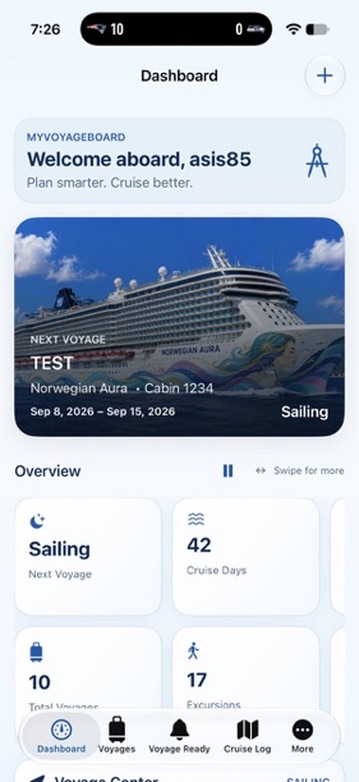
Your itinerary, daily plans, payments, documents and benefits belong to the same voyage. MyVoyageBoard reuses your saved details across connected tools, so you spend less time keeping separate lists up to date.
Add your ship, sailing dates and the details you have already booked.
Keep port times beside your daily plans, and payments and documents with the right sailing.
Use your saved information to review balances, benefit calculations and the preparations that still need attention.
Keep the details that matter close at hand without digging through confirmations, notes, and separate apps.
Keep your ship, cabin, dates, ports, costs, and voyage details together.
See port times at a glance and revisit where you’ve sailed on the map.
Organize flights, hotels, parking, and ground transportation around your cruise.
Plan excursions, activities, reservations, and your daily agenda.
Track voyage costs, payments, onboard credit, and cruise credits in one place.
Keep important cruise and travel documents with the voyage they belong to.
Stay on top of the things that still need attention before sailing.
Save future voyages you’d love to take and keep the inspiration going.
Designed around the way cruise planning actually works, with clear information and quick access to the tools you use most.
Your cruise plans at a glance.
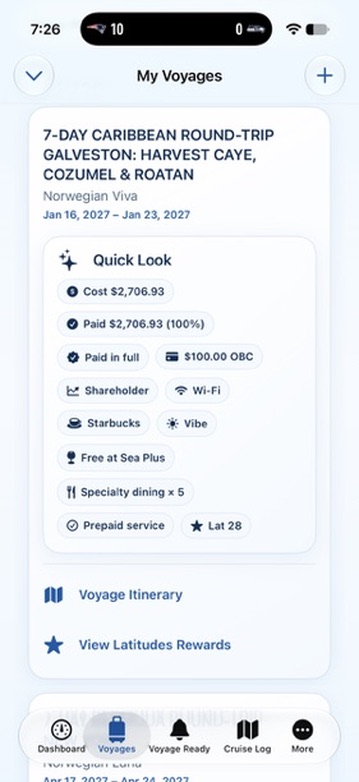
Everything about your voyage in one place.
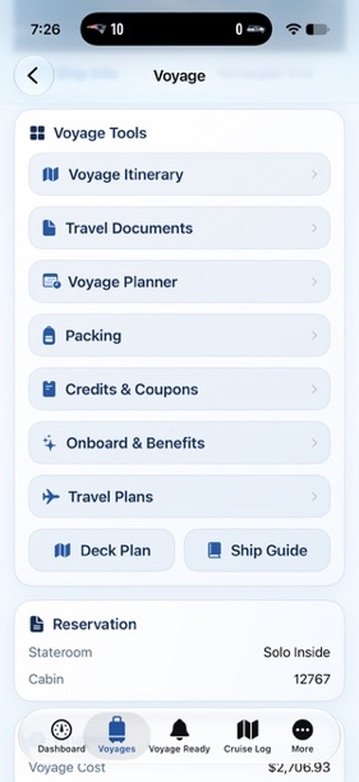
All the tools you need before you sail.
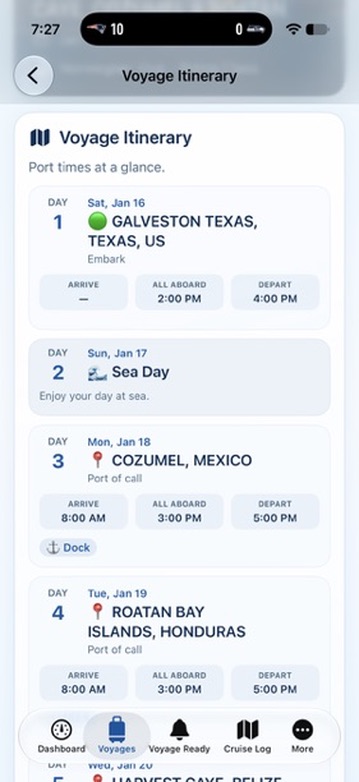
Know where you're going — and when.
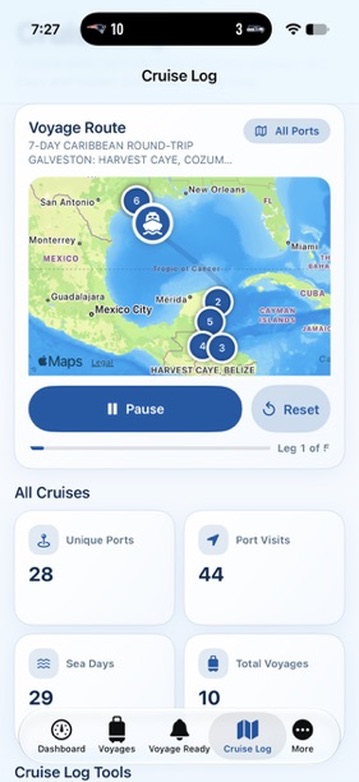
Relive your voyages and track where you've sailed.
Keep Latitudes Rewards points and benefits, dining booking windows, and Free at Sea specialty dining details with the voyage they belong to. Use your saved sailing information to help plan what comes next.
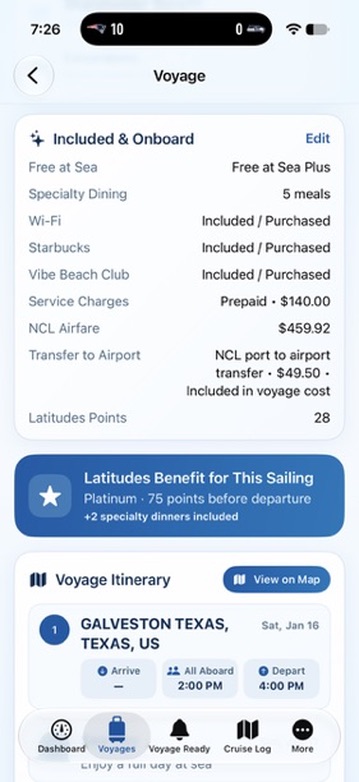
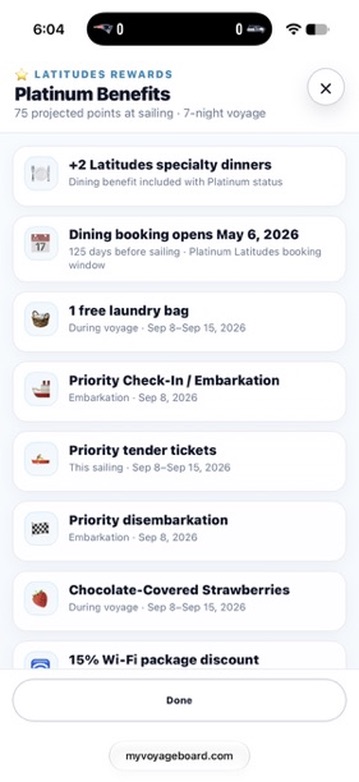
From the day you book until the day you return home, MyVoyageBoard helps keep the details of your cruise organized.
Download on theApp StoreOpen the web app and sign in. In Safari on iPhone or iPad, use Share, then Add to Home Screen. On Android, look in your browser menu for Install app or Add to Home screen.